
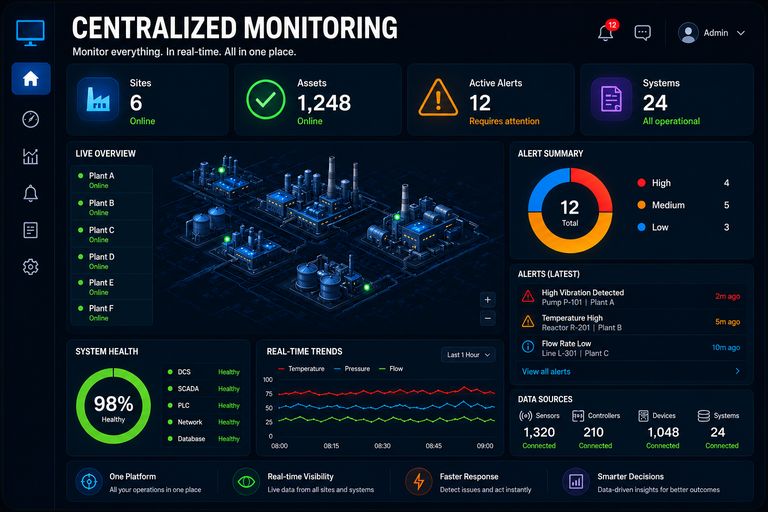
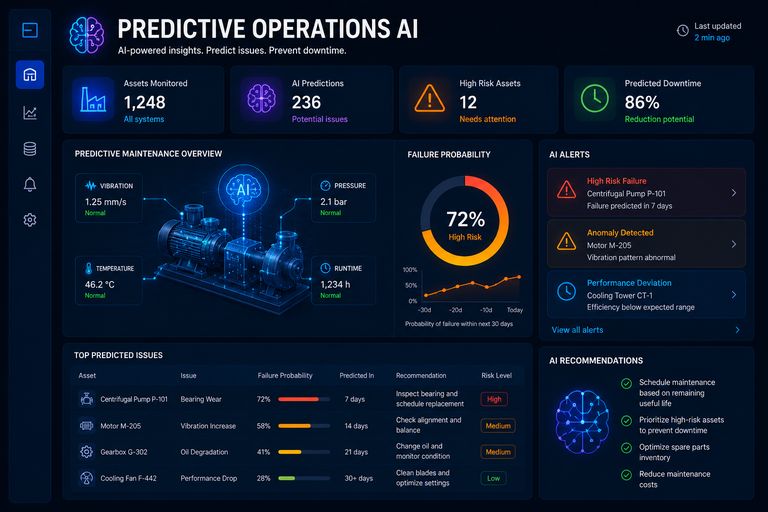
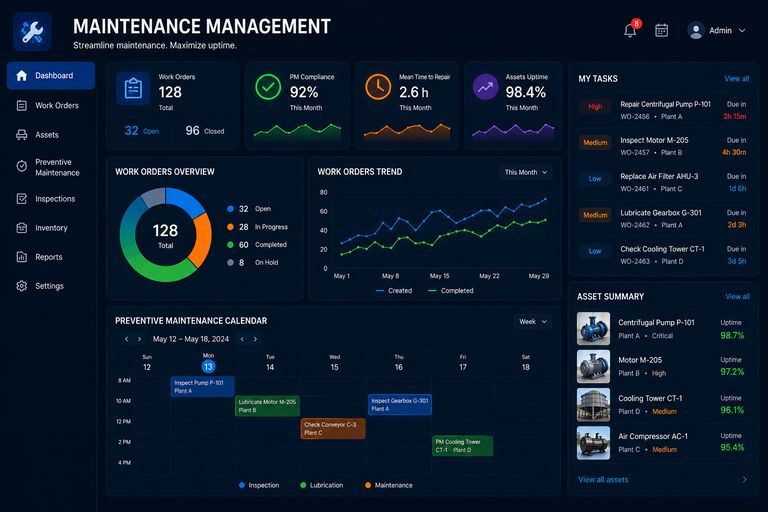
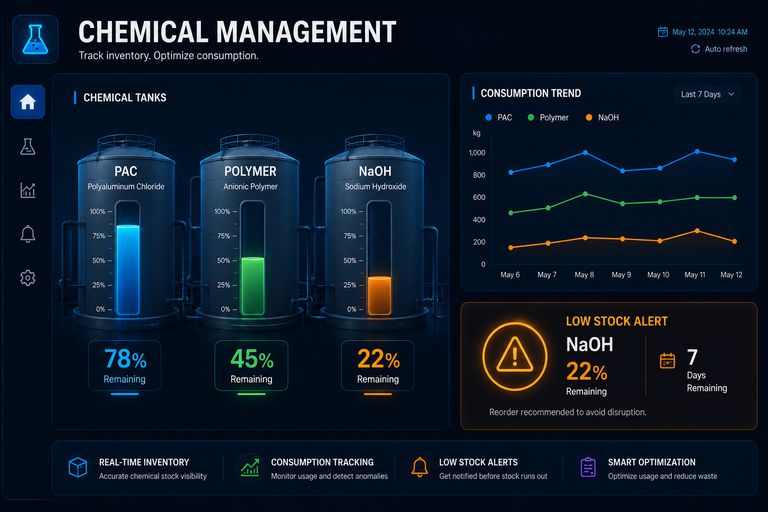
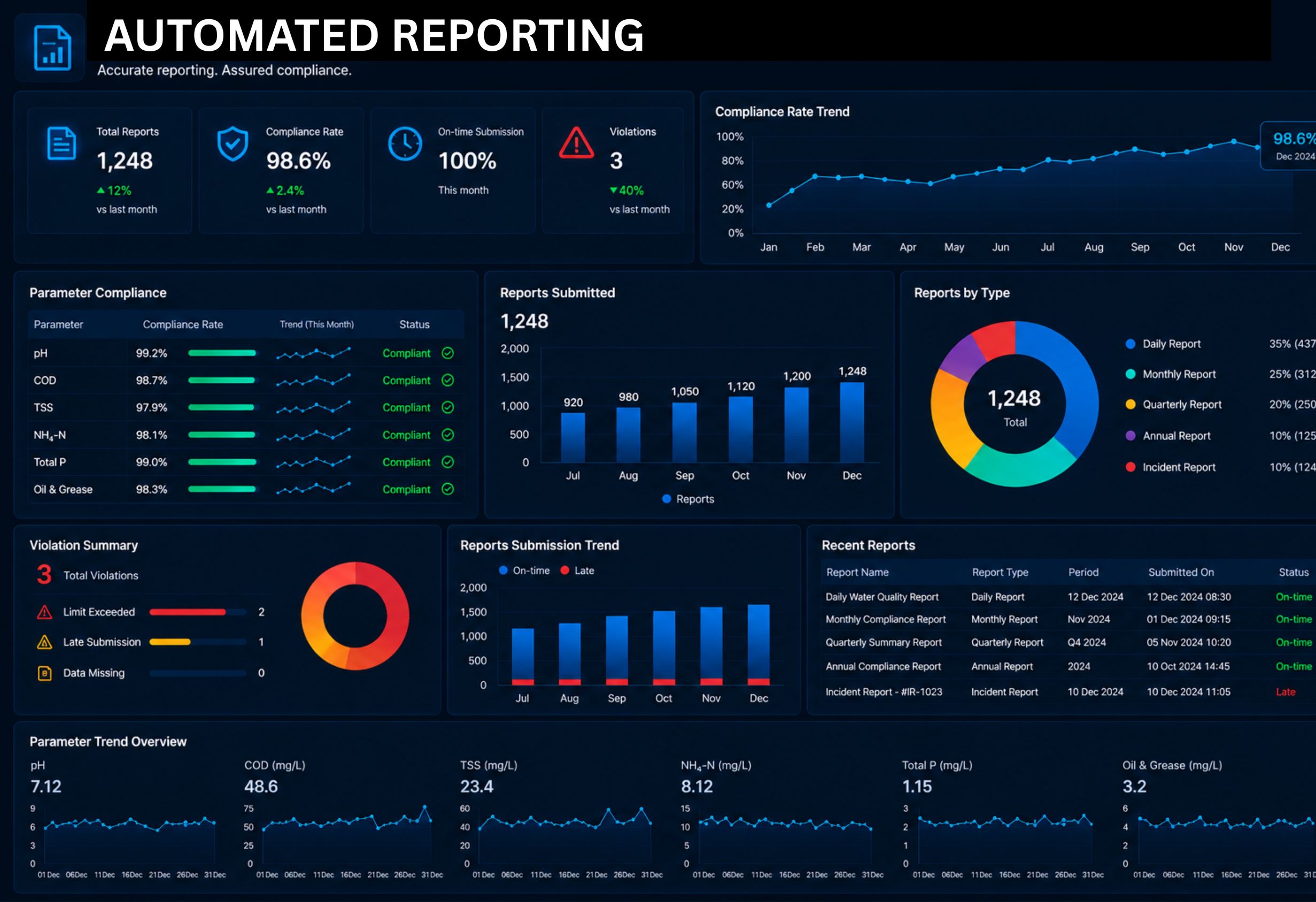

Automating wastewater reports starts with agreed sources, calculation rules and responsibility. Web-SCADA can organize operating data, while environmental staff connect it to sampling records, facility documents and the applicable report template.
Identify the report and its audience
Shift reports, management reports and environmental reports serve different purposes. Record the recipient, reporting period, required content and approver. Check the facility's documents and applicable requirements before configuring a template.
Map fields to traceable sources
Link flow and volume to meter history, water quality to appropriate measurements and samples, and incidents to event and work records. Other environmental report sections may require sources outside wastewater SCADA.
Explain calculations and missing records
Agree units, timezone and cut-off dates. Distinguish instantaneous flow from accumulated volume and check counter resets. Mark incomplete fields for review instead of silently substituting zero or treating one sample as continuous evidence.
Retain the approved report version
Generate a draft, resolve exceptions and review it against source records. Store the approved version, template, export time and source list. Preserve reasons for later corrections and distinguish draft, approved and submitted states.
Records to check
| Record group | Evidence to review |
|---|---|
| Flow and quality | Source records and sampling context |
| Incidents | Actions and confirmed outcomes |
| Report release | Review, version and approval evidence |
Prepare an assessment with X-IRIS
Bring a current report template, one period of data, applicable facility records and the responsible environmental contact. Review the implementation roadmap and request an assessment to agree a scope that can be tested.
Technical reference: Article 66 of the ministry's consolidated text distinguishes environmental reporting templates by facility and infrastructure category. Check the applicable scope for the facility.